Bring a domain or subdomain
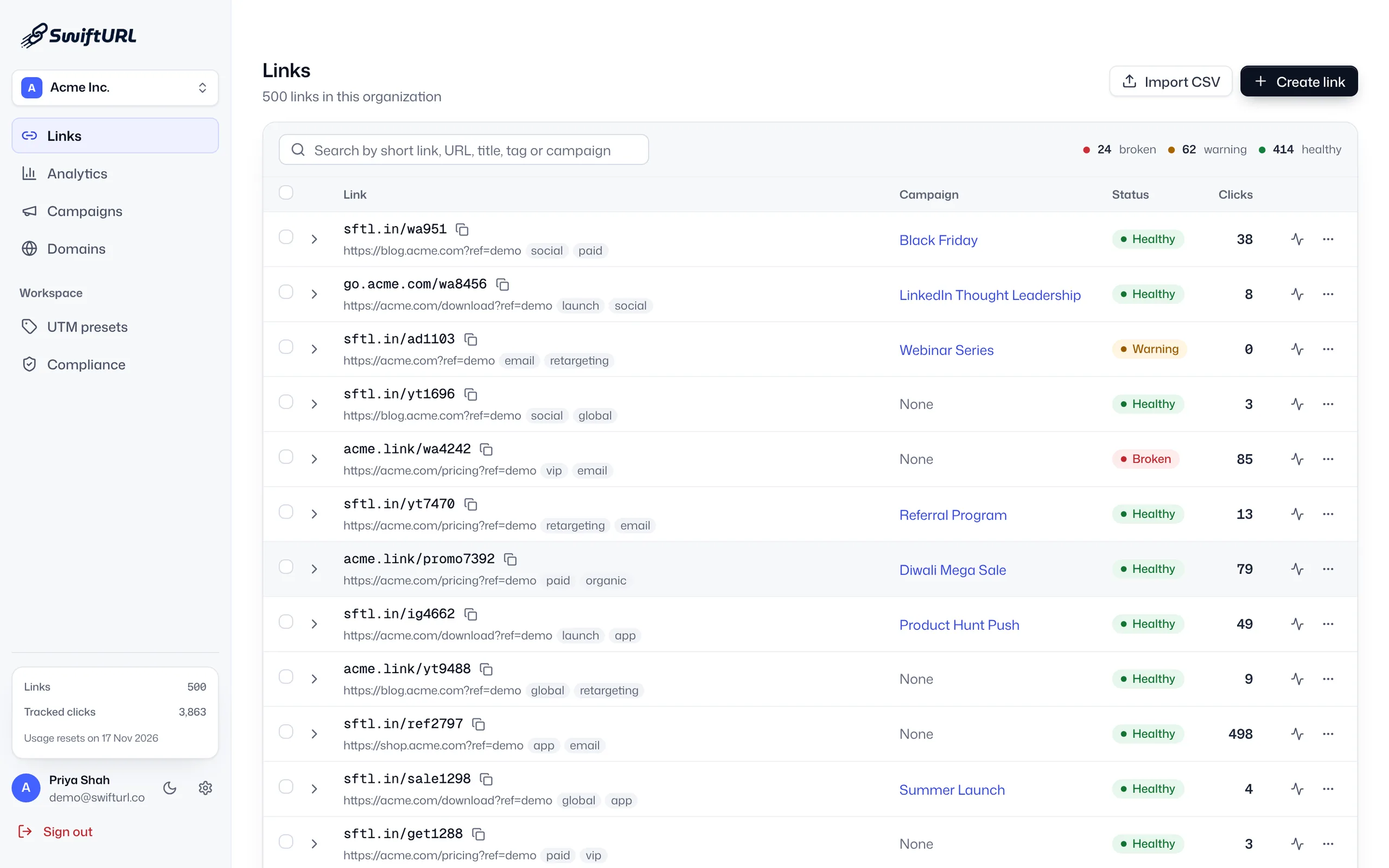
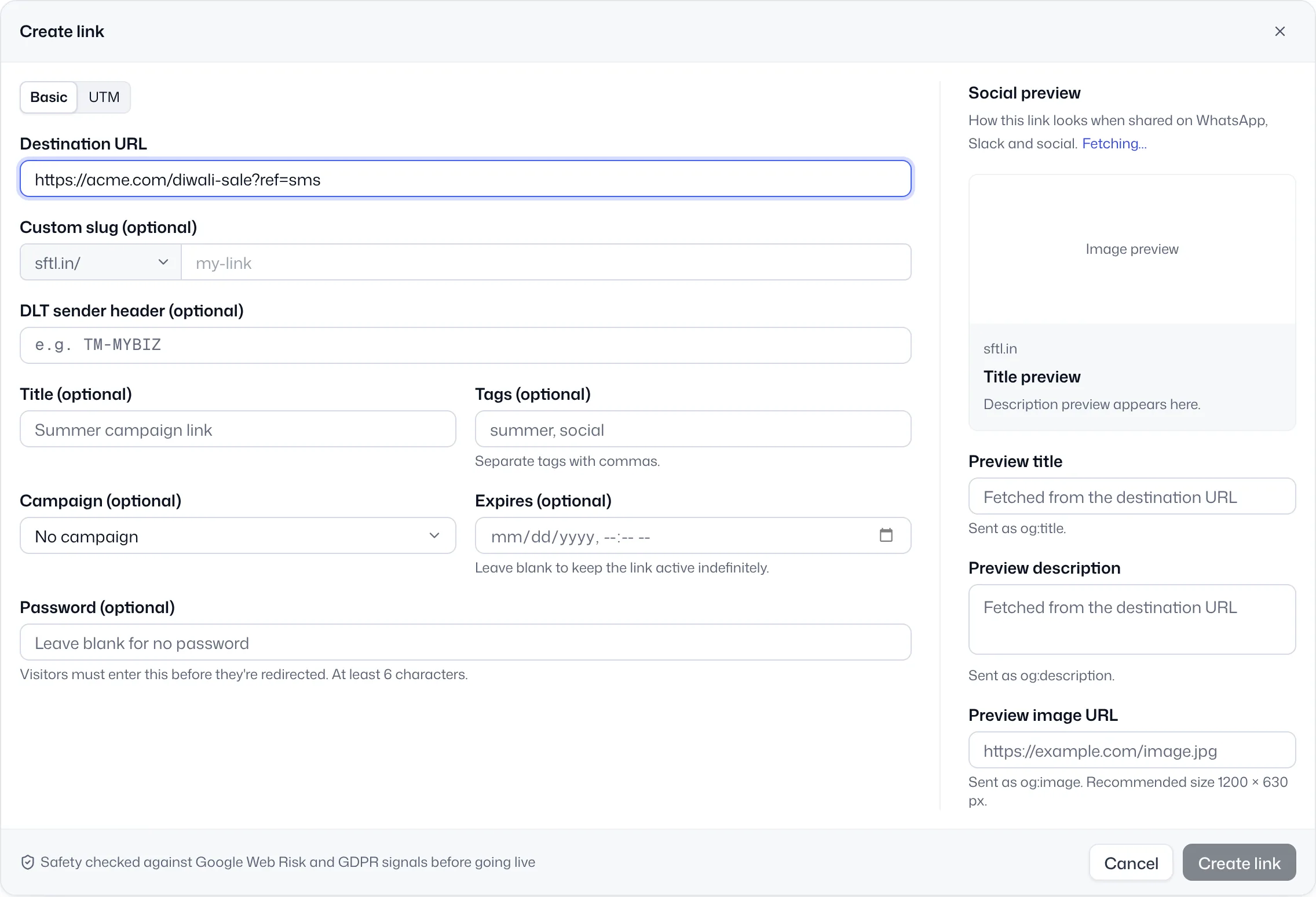
Serve links from a domain or subdomain you control, like go.yourbrand.com, then pick it when you create any short link.
Custom domains
A custom short domain serves your links from a domain or subdomain you own, such as go.yourbrand.com, instead of a shared shortener domain. You add one CNAME record, and SwiftURL verifies it and issues and renews SSL automatically. Custom domains start on Pro, with 3 included.
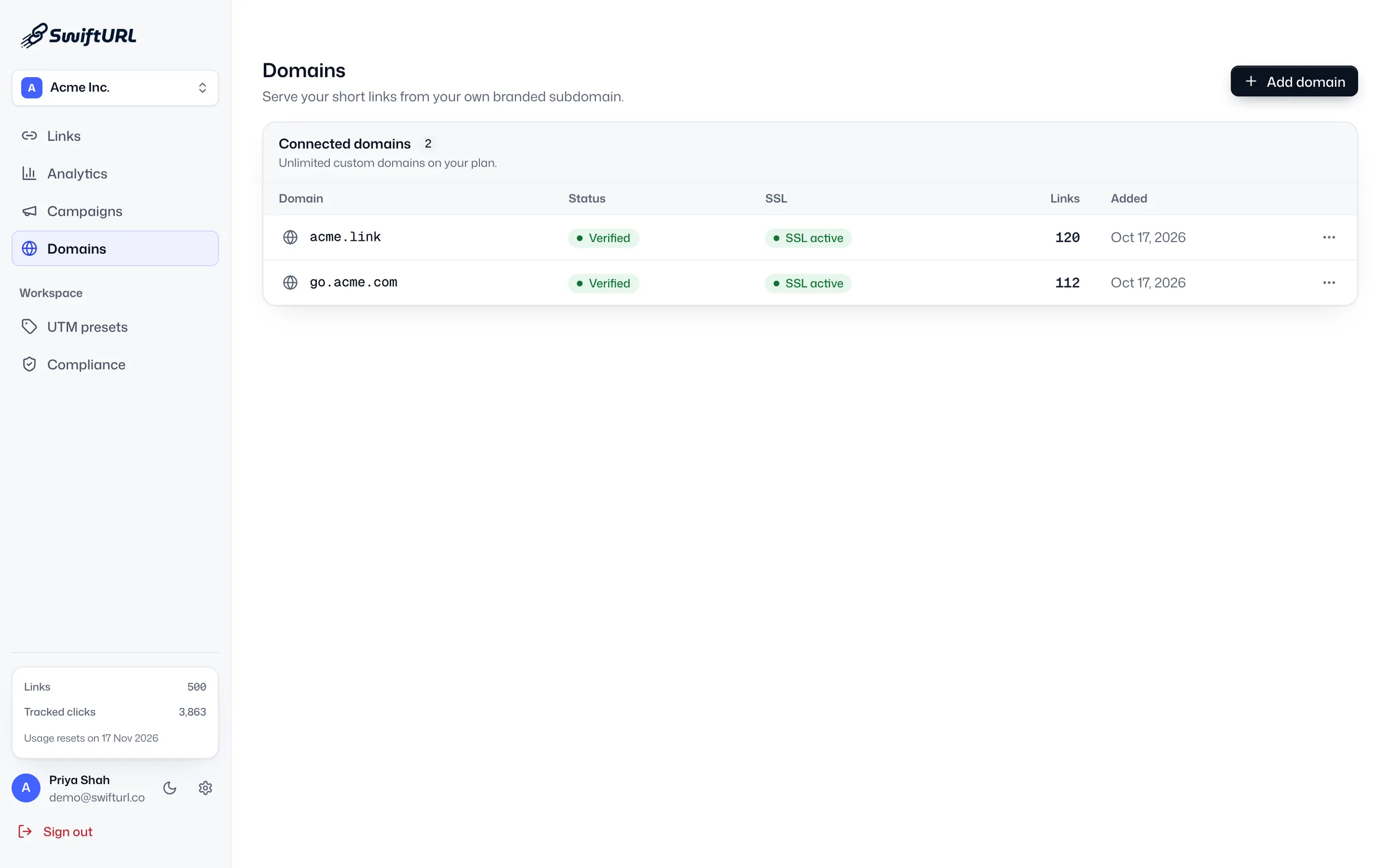
A link that shows your name is easier to trust than one on a generic shortener, and it keeps your brand front and center in every message. SwiftURL serves your links from a domain or subdomain you control, backed by Cloudflare SSL.
Serve links from a domain or subdomain you control, like go.yourbrand.com, then pick it when you create any short link.
SwiftURL confirms your DNS record and issues an SSL certificate, then renews it automatically.
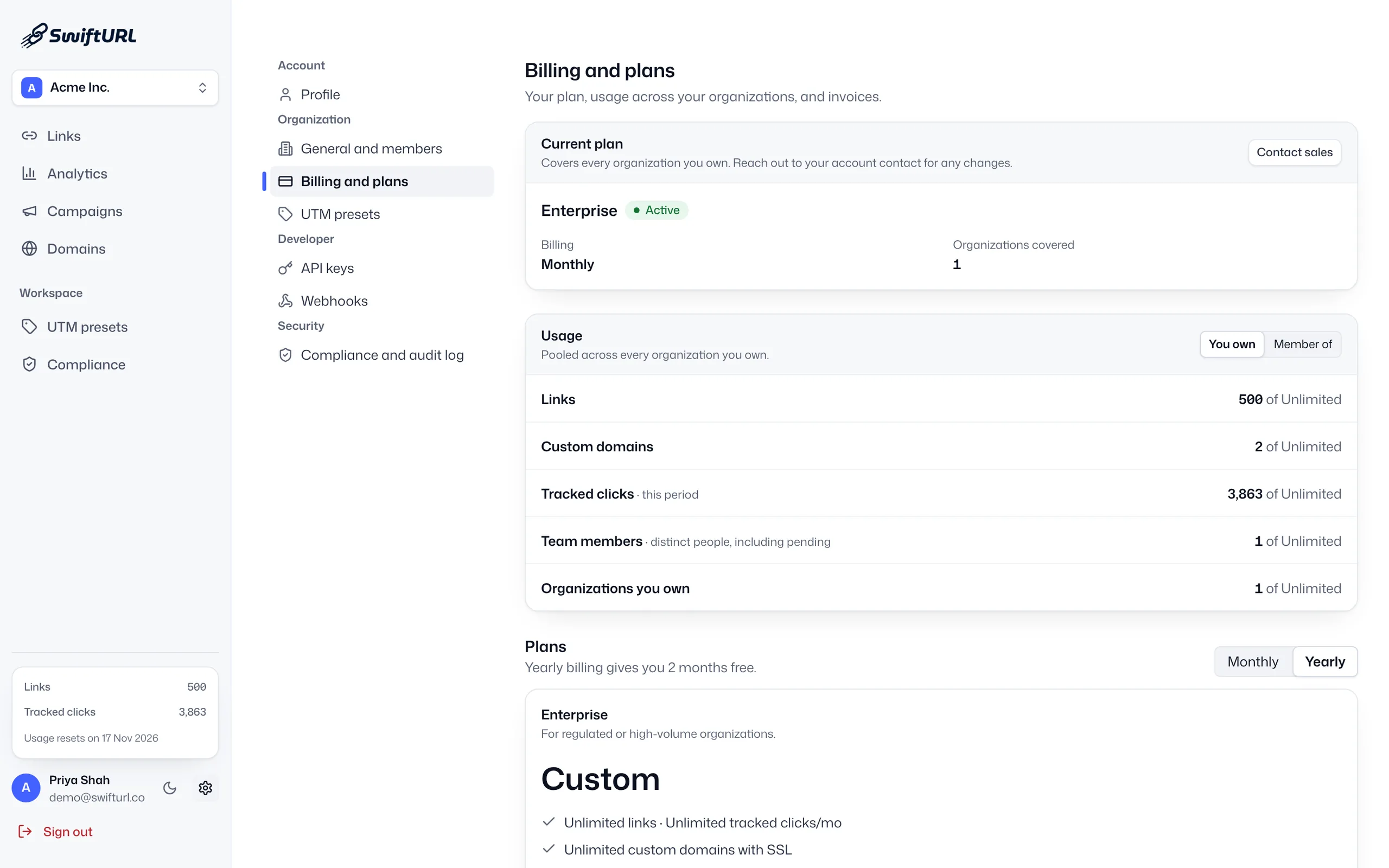
Free uses the shared sftl.in domain. Pro includes 3 custom domains, Business 25 and Enterprise unlimited, each with SSL.
Enter the domain or subdomain you want links served from.
Add the CNAME we show you at your DNS provider.
SwiftURL confirms the record and issues an SSL certificate.
Choose your domain when you create any short link.
People can see whose link it is before they tap.
Every touchpoint carries your name, not a third party's.
Your domain and reputation, portable if you ever move.
A domain or subdomain you own, such as go.yourbrand.com, that serves your short links instead of a shared shortener domain. People see your brand in the link before they tap it.
No. Free links use the shared sftl.in domain. Custom domains start on Pro, which includes 3, then Business includes 25 and Enterprise is unlimited, all with SSL.
Add the domain in SwiftURL, create the one CNAME record it shows you at your DNS provider, and SwiftURL verifies the record and issues an SSL certificate. The branded short domain guide covers each step.
Yes. SSL is provisioned automatically once your DNS record verifies, and renewed for you, backed by Cloudflare. There is nothing to upload or renew by hand.
Either works. A subdomain like go.yourbrand.com reuses the name people already know and needs no new purchase; a separate short domain keeps links shorter, which helps in SMS. You can connect both.
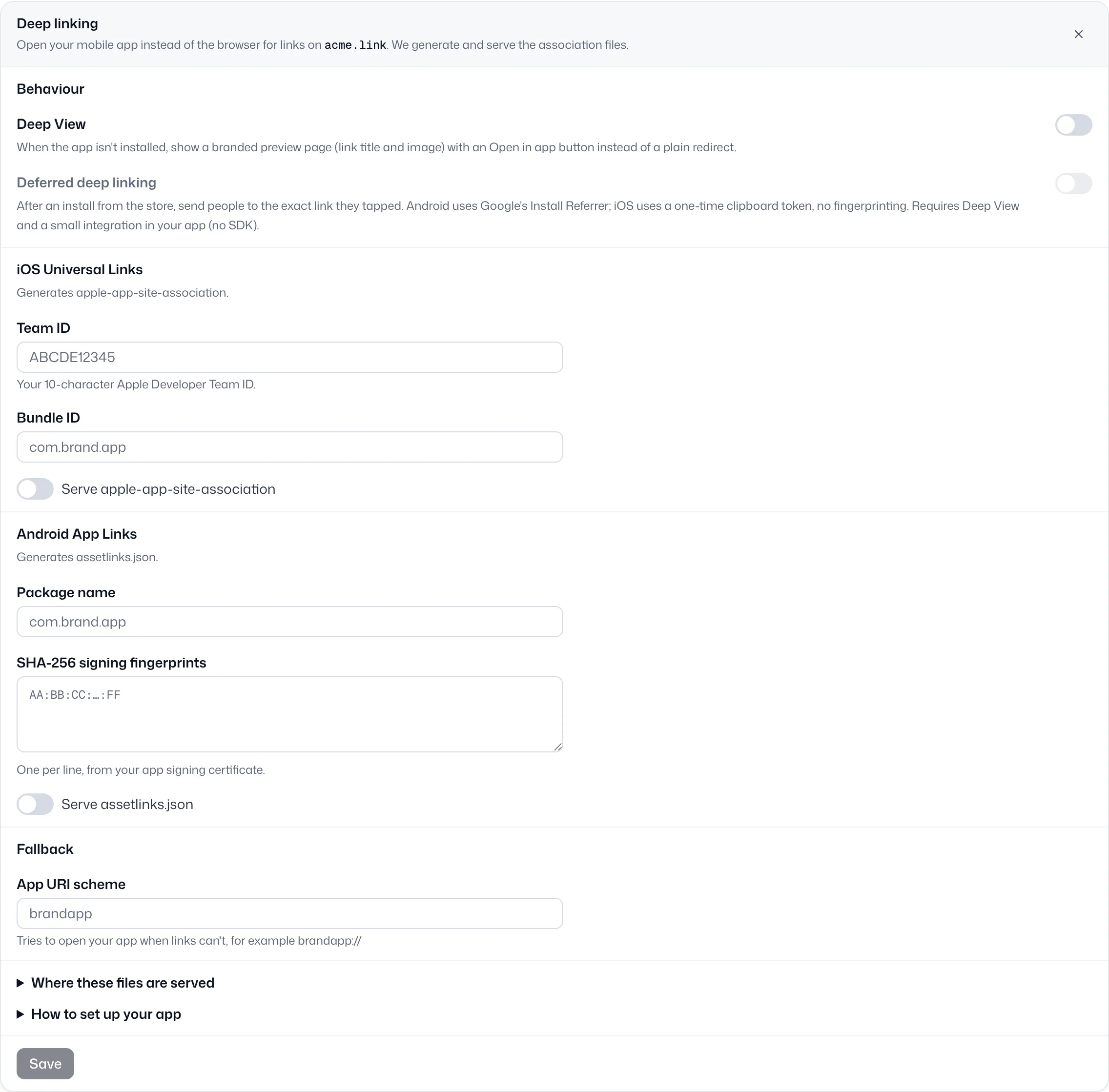
Yes. SwiftURL serves the iOS and Android association files on each of your domains, so links on your own domain can open your app. See deep linking.
Open your app to the right screen when installed, with clean fallback to store or web.
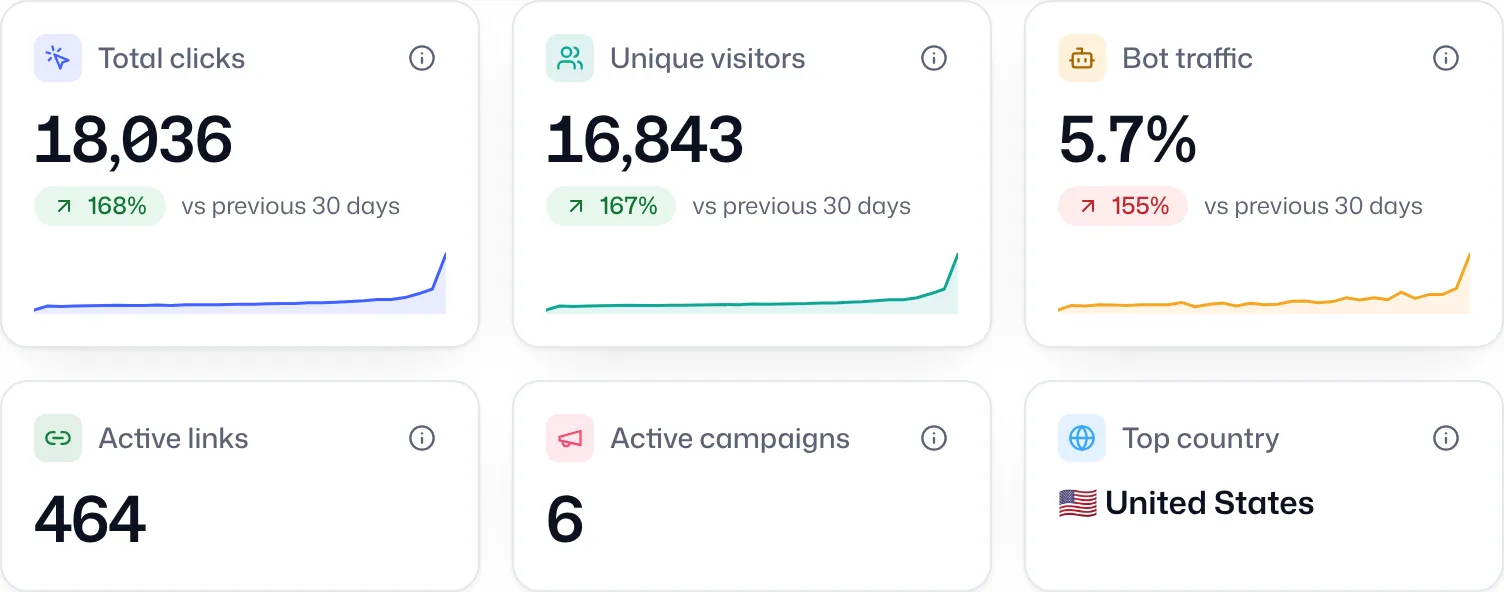
Learn moreScheduled checks and downtime alerts, so you know a destination broke before your customers do.
Learn moreGeography, device, referrer and UTM, bot-filtered, with growth insights that surface what changed.
Learn moreStart free on sftl.in, add your own domain when you're ready.