Group links into named campaigns
Give each launch, sale or webinar its own campaign, then attach new or existing links to it.
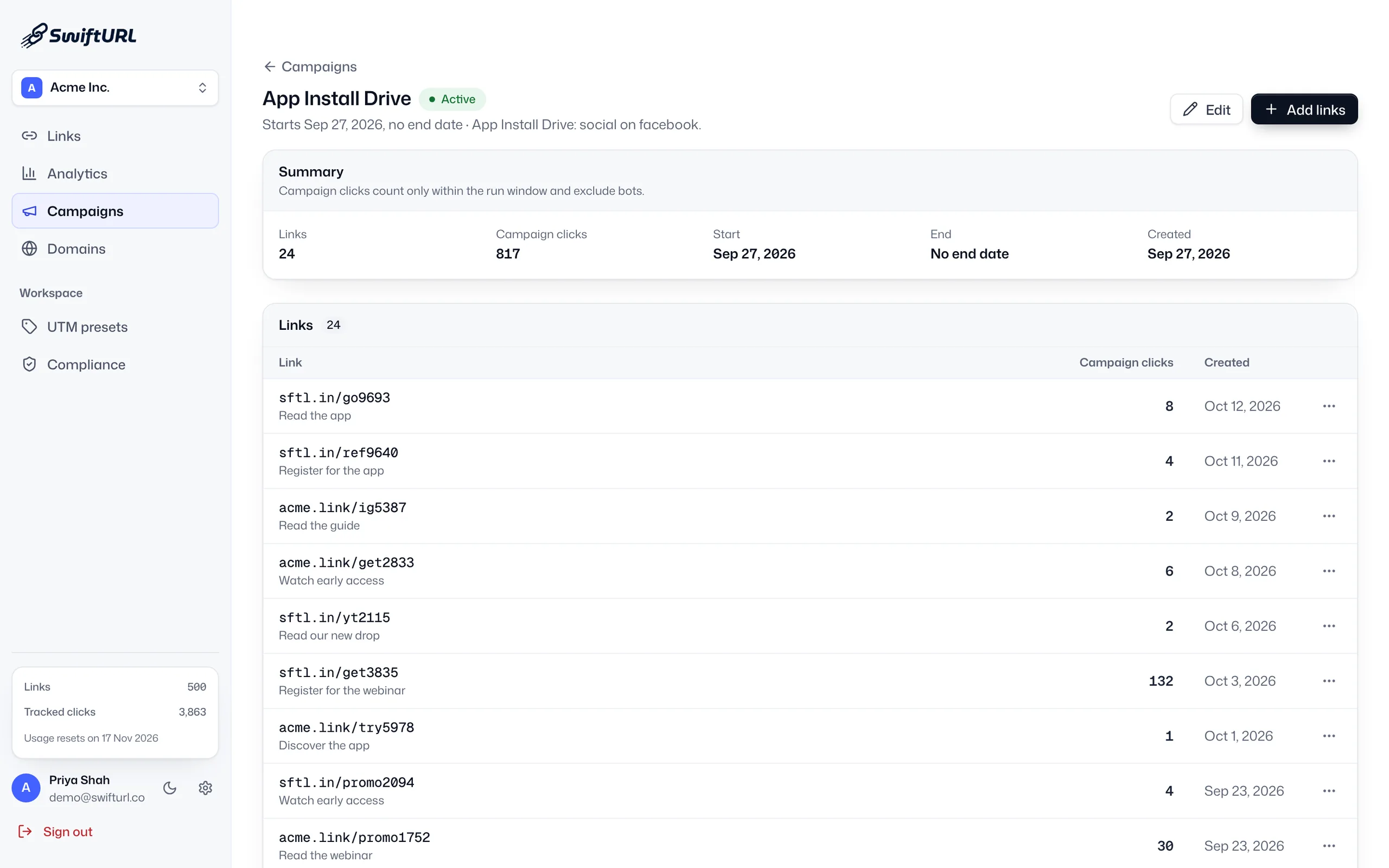
Campaigns
Campaign link tracking groups the links behind one push, such as a sale, a launch or a newsletter, so you can see their clicks together. In SwiftURL each campaign rolls up its links’ analytics and moves from active to ended to archived, on every plan.
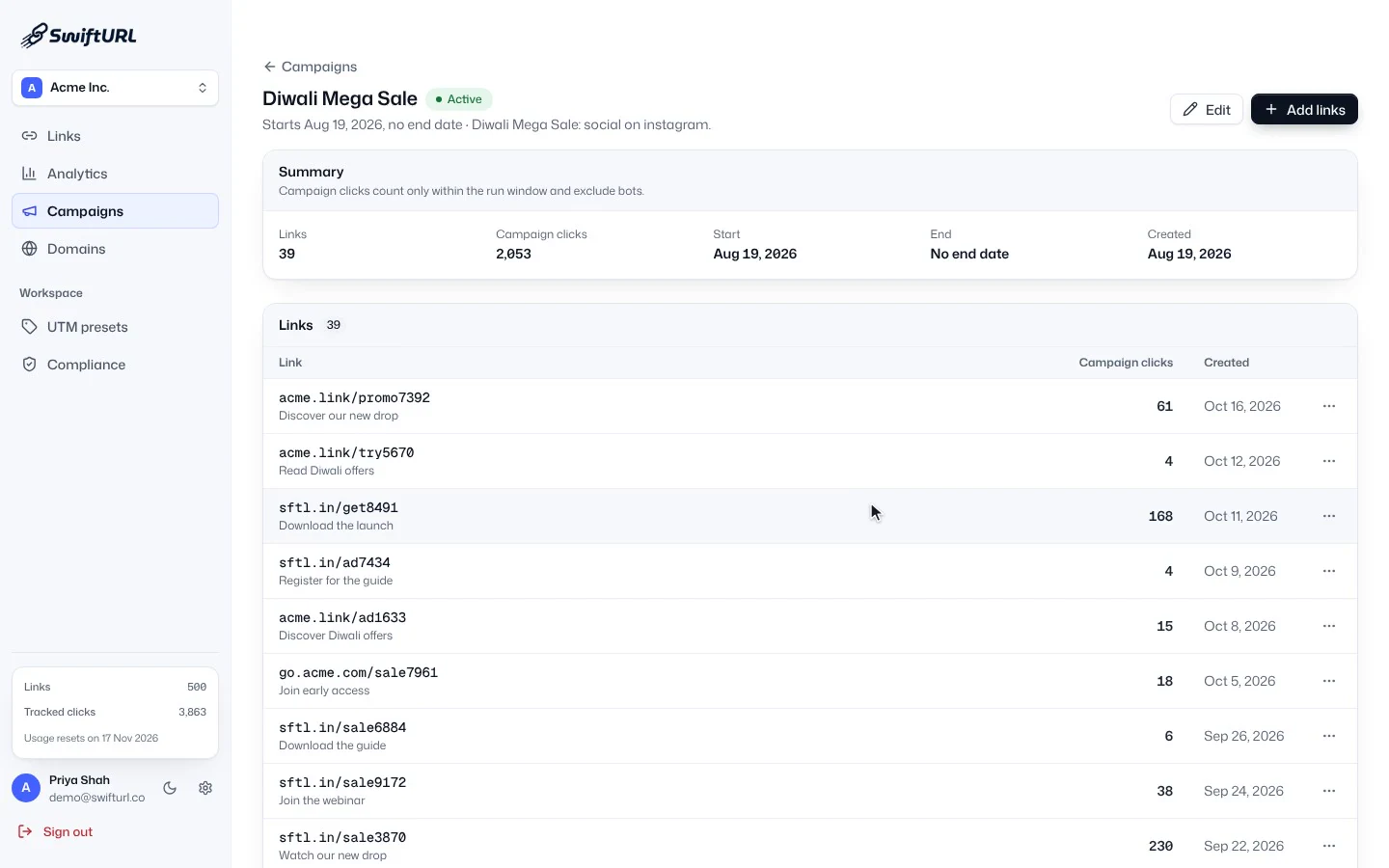
The SwiftURL Campaigns list is filtered to Active and then Ended campaigns, and a campaign is opened to show its summary and the links grouped inside it.
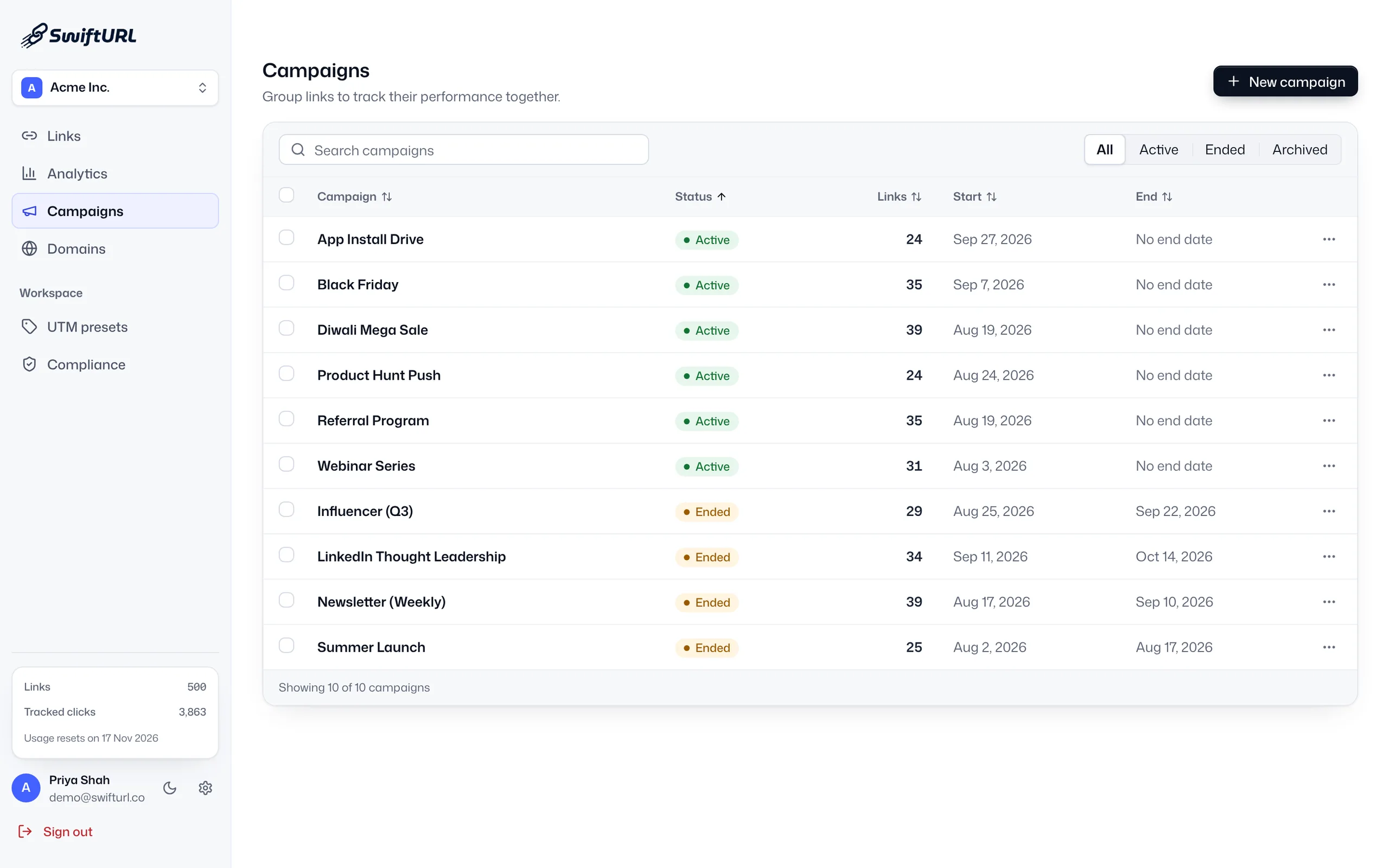
Instead of a flat list of links, group them into the campaigns you actually run. Performance rolls up per campaign, and each one moves through a clear lifecycle so your workspace stays tidy as campaigns come and go.
Give each launch, sale or webinar its own campaign, then attach new or existing links to it.
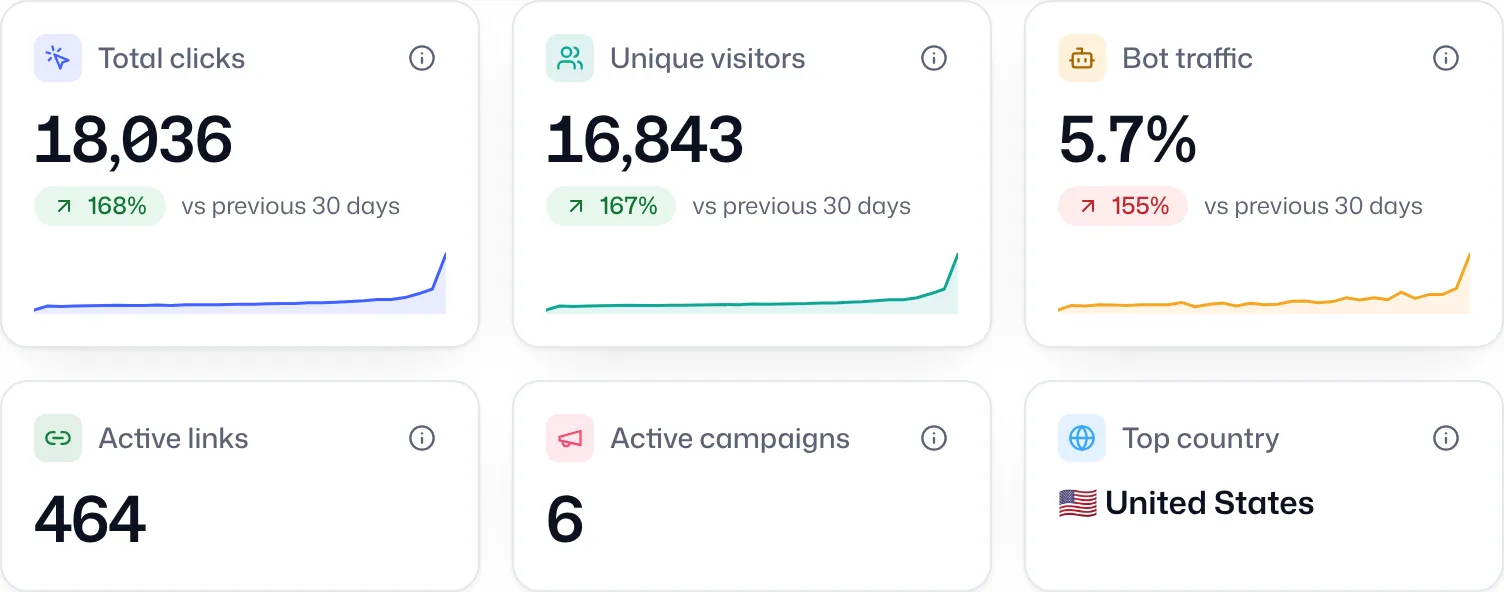
Campaign-scoped analytics combine clicks and trends across every link, and you can drill into any single link from the roll-up.
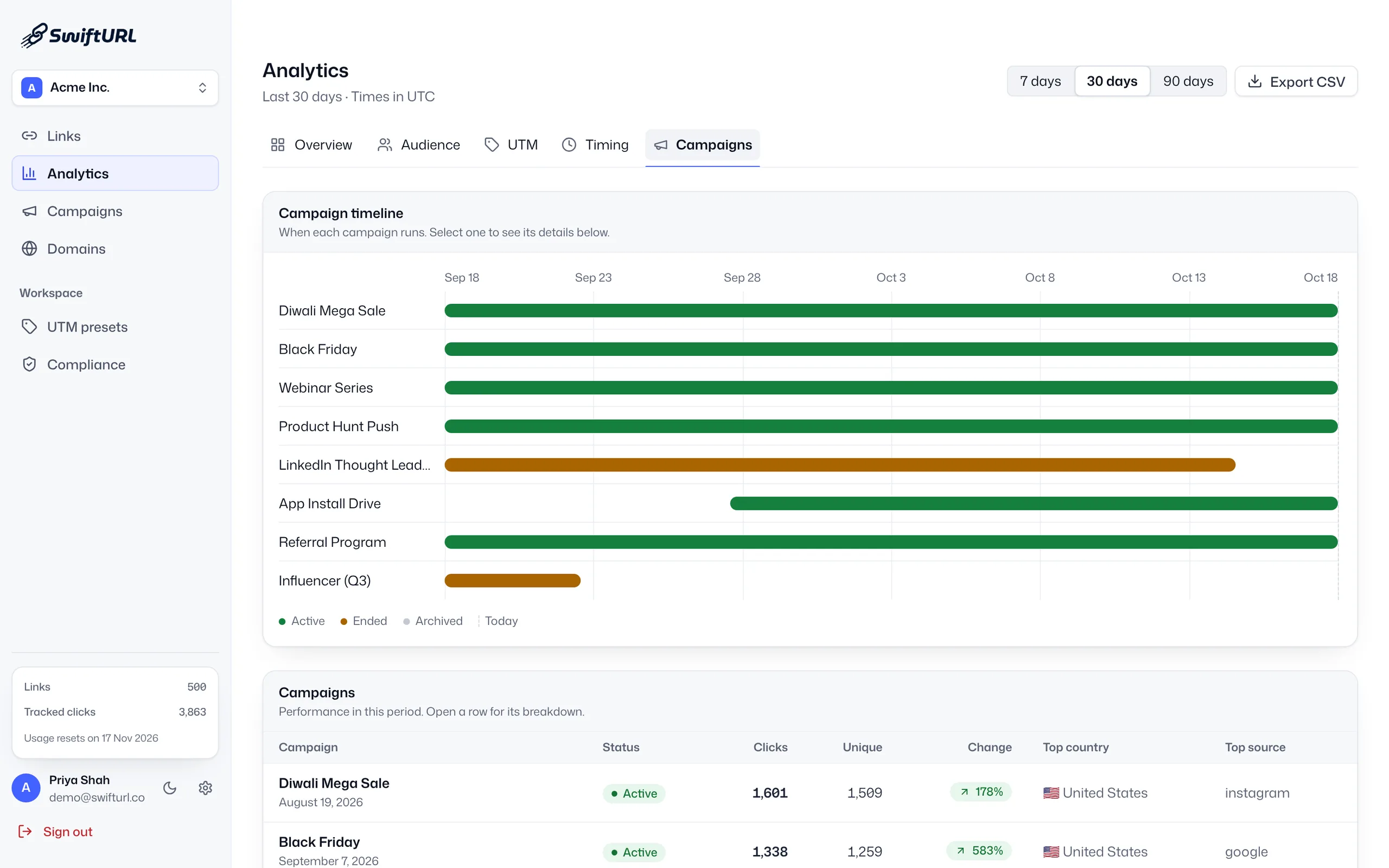
Each campaign moves from active to ended to archived, so finished work leaves your way and live campaigns stay in focus.
Name it and set what it is for.
Attach new or existing links to the campaign.
See combined performance across every link.
End and archive when the campaign is done.
Know which links belong to which push.
Judge a campaign by its combined numbers.
Archive finished campaigns and keep focus on live ones.
A named group of links you run together, such as everything behind one sale, launch, webinar or newsletter. Clicks roll up across the whole group, and you can still open any single link’s analytics.
Yes. Each campaign page shows its links, total campaign clicks and its start and end dates, and the analytics campaign view shows when each campaign ran next to its results.
Active campaigns are running, ended campaigns have finished, and archived campaigns are filed away so your campaign list shows the work that is live. Filter the list by any status.
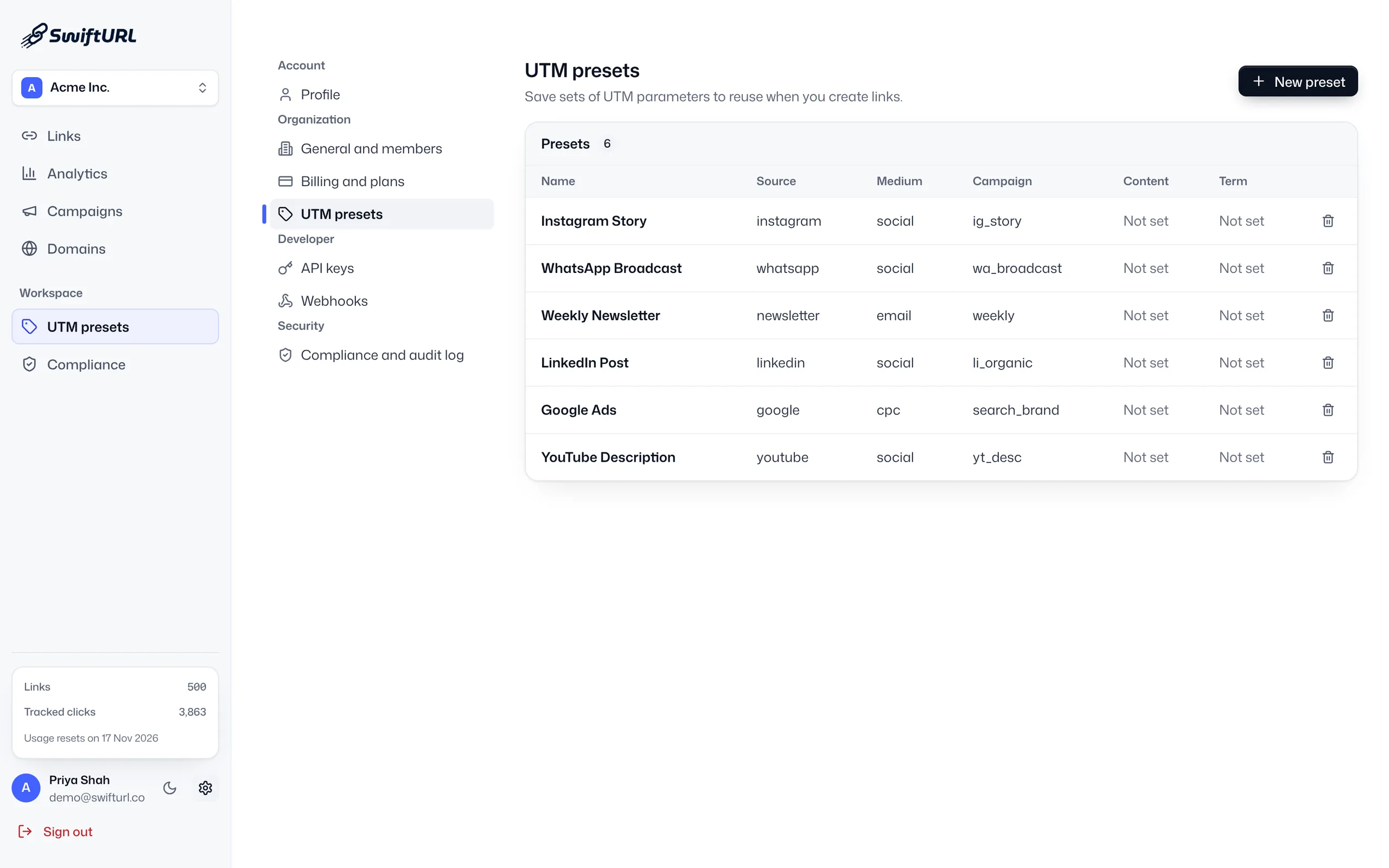
A campaign groups links inside SwiftURL. A utm_campaign value travels with each click to the destination, so tools like Google Analytics see it too. Most teams use both, with UTM presets keeping the values consistent.
Yes. Campaigns are on every plan, Free included. Paid plans raise the number of active links and tracked clicks a campaign can use.
Geography, device, referrer and UTM, bot-filtered, with growth insights that surface what changed.
Learn moreA built-in UTM builder with saved presets, so your whole team tags links the same way.
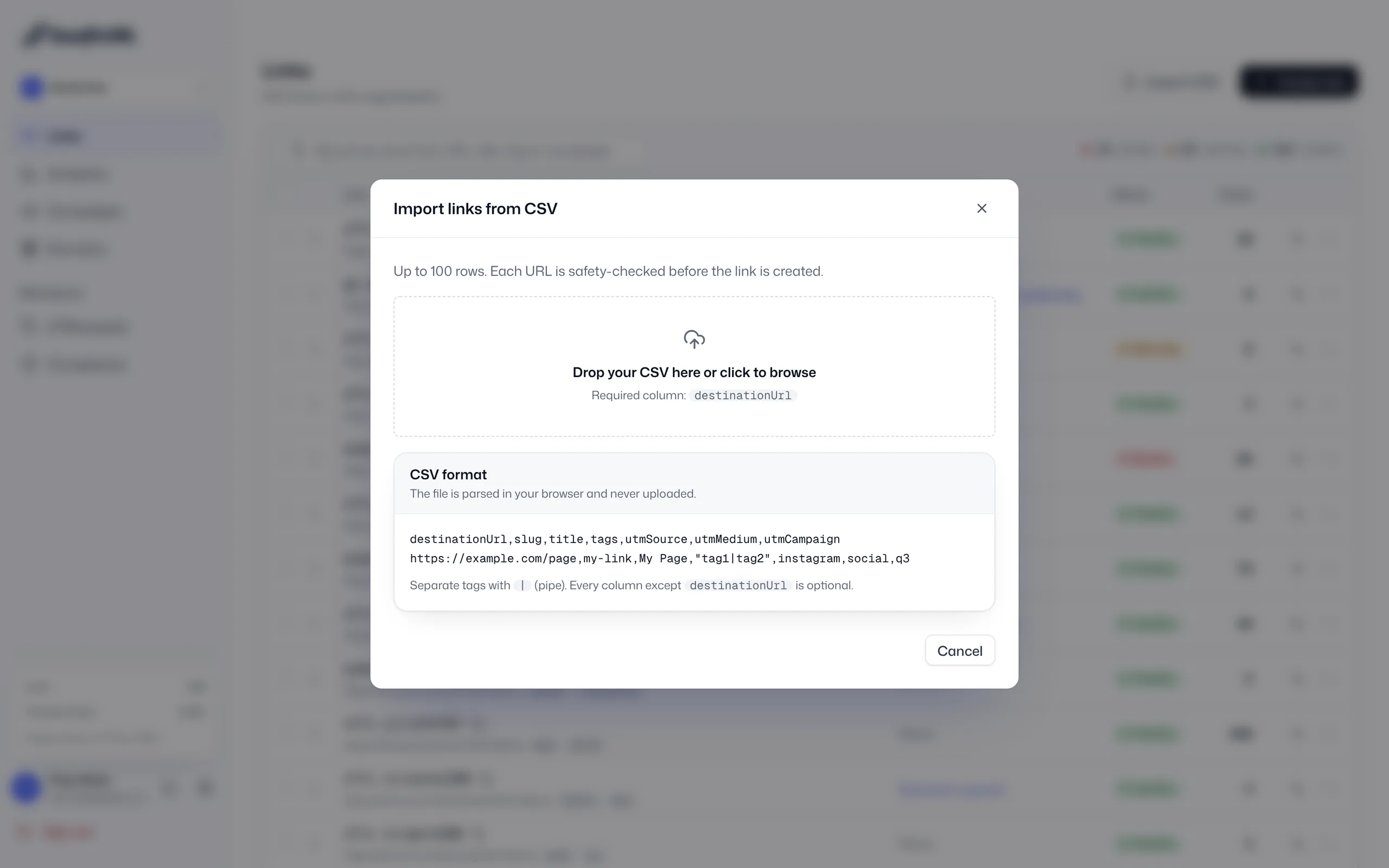
Learn moreImport a CSV of up to 100 links per file, each one safety-checked before it goes live.
Learn moreStart free and group your first campaign in minutes.